 SnakeRush
Loading the game
Arcadeby Playgama
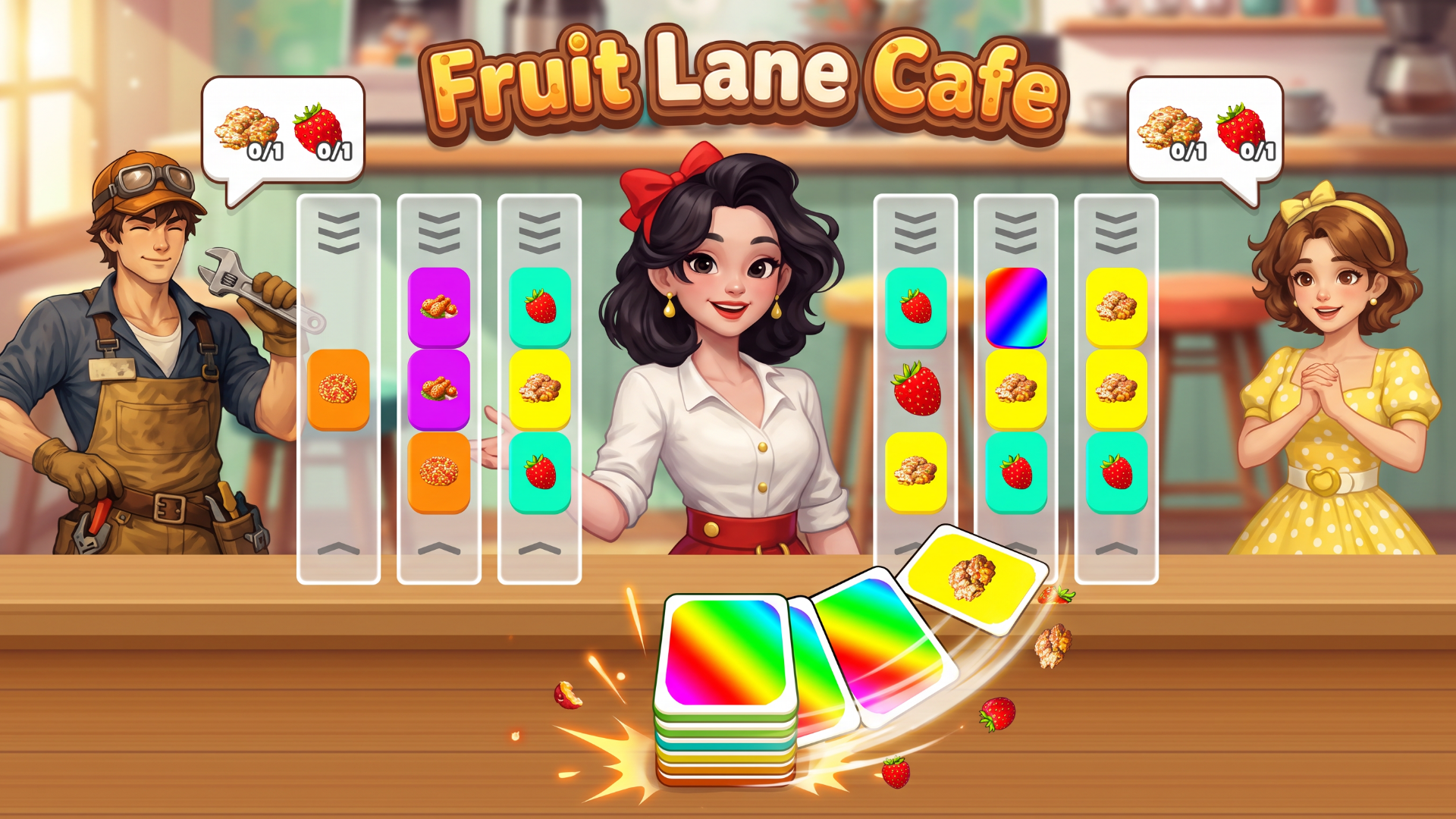
Fruit Lane Cafe is a colorful card-sorting puzzle game with a busy shop twist. Slide cards through lanes, line up matching sets, and complete your customers' orders before time runs out. Plan around the next card, manage the spare card, and unlock helpful boosters as the challenges grow. Simple tap controls, satisfying chain reactions, and a growing level map make every order a fresh puzzle.
Click Play and select an unlocked level. On desktop, use the left mouse button; on mobile, tap the screen. Click or tap a lane to slide the card from the bottom slot into it and move the outgoing card into the slot. Match the cards across an entire lane to clear the set and fill a customer's order. The multicolored spare card must be moved out of a lane before that lane can clear. Complete all customer orders before the timer runs out to win. Earn coins and stars, progress to new levels, and use unlocked boosters when you need help. Optional rewarded videos can provide extra coins or boosters. Use the on-screen settings to adjust music and sound. No keyboard shortcuts are required.


Select Play to start Fruit Lane Cafe. The game opens in the player above. Follow the controls shown for the game. Saves and device compatibility depend on the provider.
Descriptions, tags and instructions are supplied by Playgama. Report a correction or loading problem.
Be decent. Spoilers get you muted for an hour.
Messages appear here once you are connected.
Not connected. Messages will not send until the lobby reconnects.
Activity points are 100 per game opened, 2110 hours. These rank activity on Alamora, not skill or scores inside games. See the global boards

